What you can do with Clubhouse

Parallel agents, multi-provider orchestration, spatial workspaces, and a full developer toolkit. Here's everything under the hood.

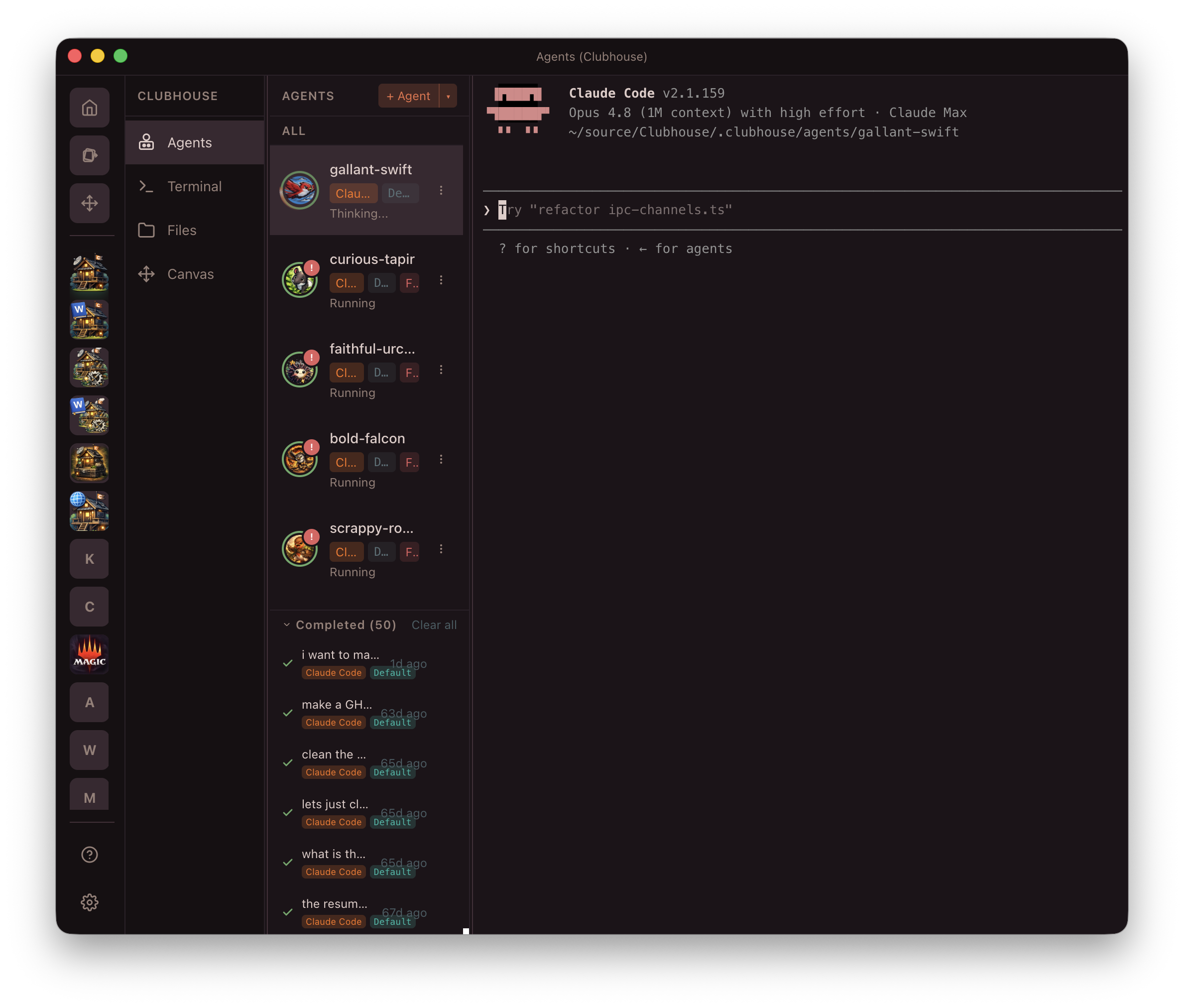
Agents

All your agents in one place, working together

Core platform

The engine that powers every agent.

Agents

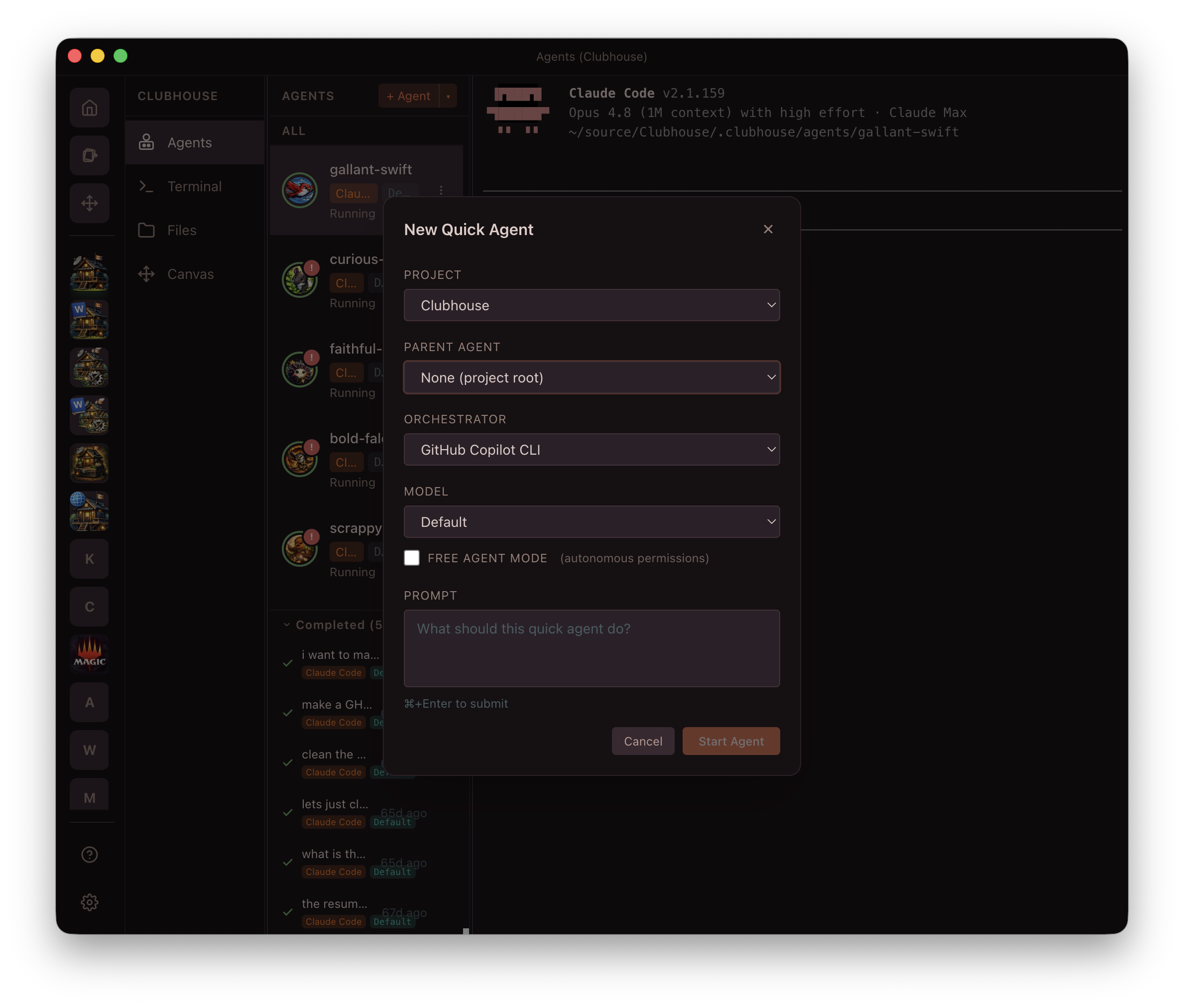
Two types for two use cases. Durable agents persist across restarts with their own git worktrees for long-running work. Quick agents spin up fast for one-off tasks, with optional headless mode.

5 lifecycle states Per-agent config Custom system prompts Model selection Permission control
Orchestrators

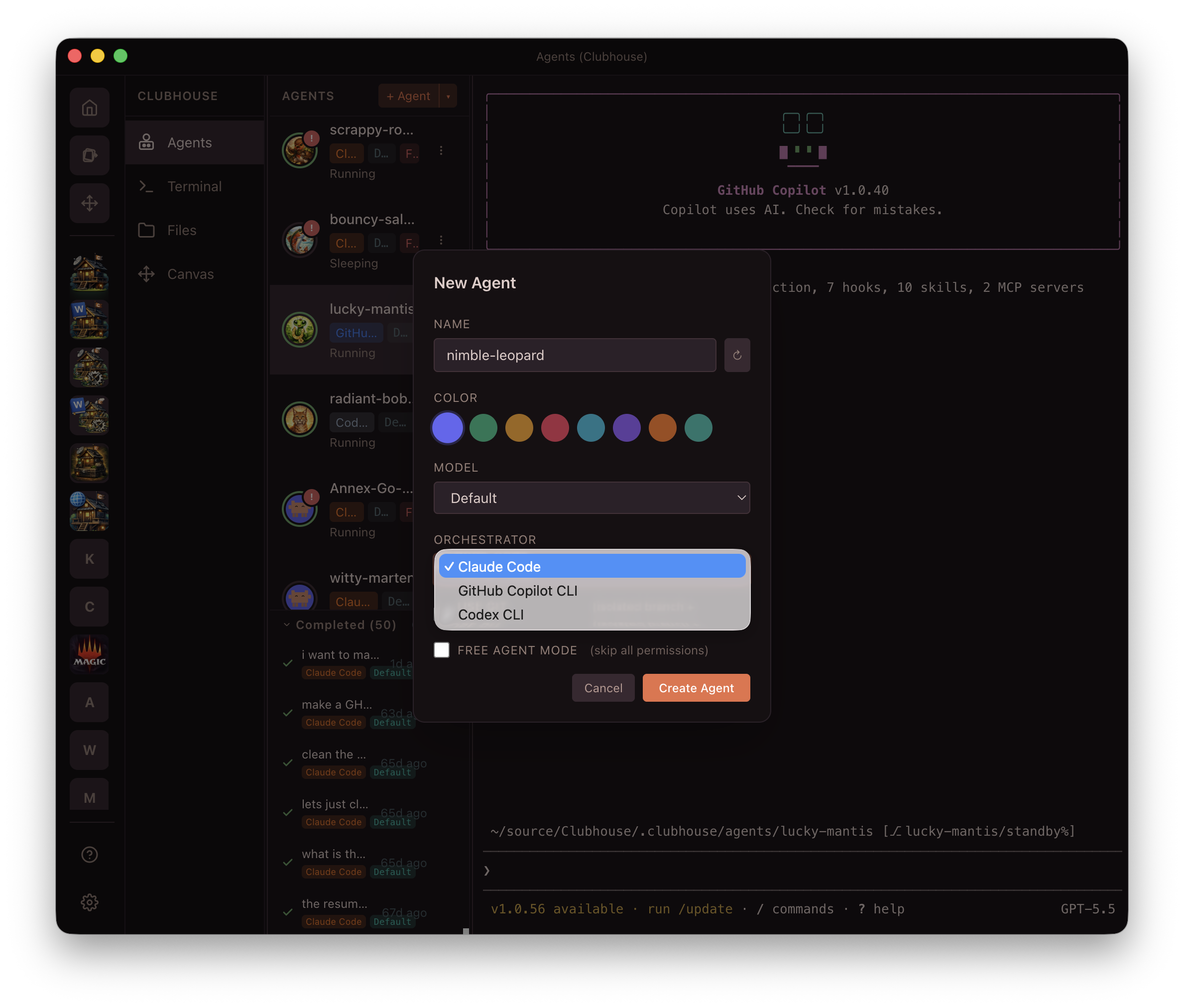
Three AI providers, one interface. Define your instructions and tools once — Clubhouse translates for each orchestrator. Switch per agent, no lock-in.

Claude Code Anthropic
GitHub Copilot CLI GitHub
Codex CLI OpenAI
Templates

Start fast with agent templates. Pre-built configurations for common workflows — pick one, customize it, and go.

Frontend Agent

React, Vue, or vanilla — configured with browser tools, component scaffolding skills, and UI review instructions.

Backend Agent

API development with database access, migration tools, and test-driven workflow instructions baked in.

Infrastructure Agent

Terraform, Docker, CI/CD pipelines — with safety guardrails for production environments.

Code Review Agent

Automated review with style checks, security scanning, and PR feedback generation.

Documentation Agent

Generates and maintains docs from code — READMEs, API references, changelogs.

Test Agent

Writes and maintains test suites — unit, integration, and E2E — with coverage tracking.

Built-in tools

Everything you need, integrated and ready.

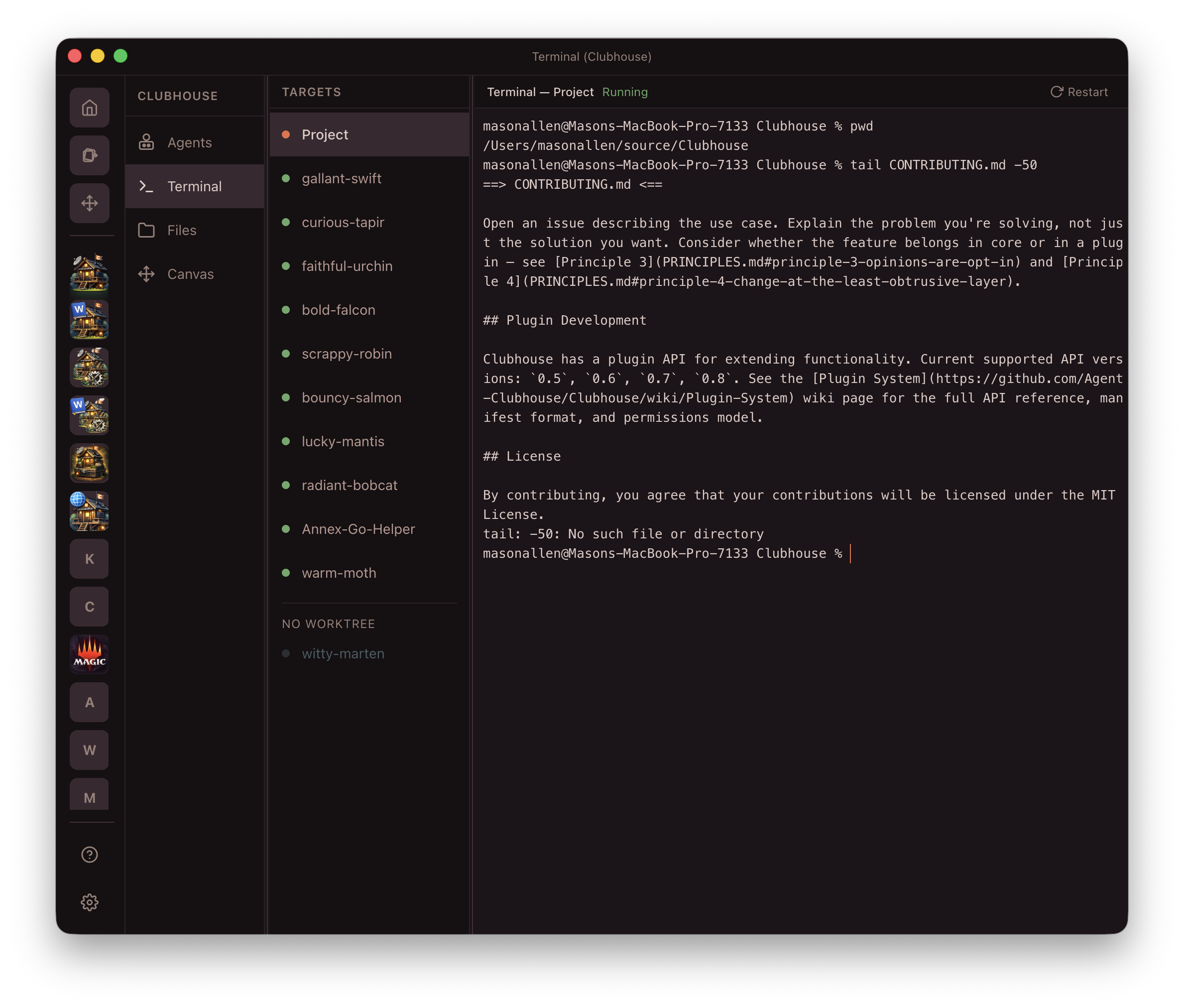
Terminal

Per-project shell with auto-reconnect, session persistence, and Annex remote PTY support.

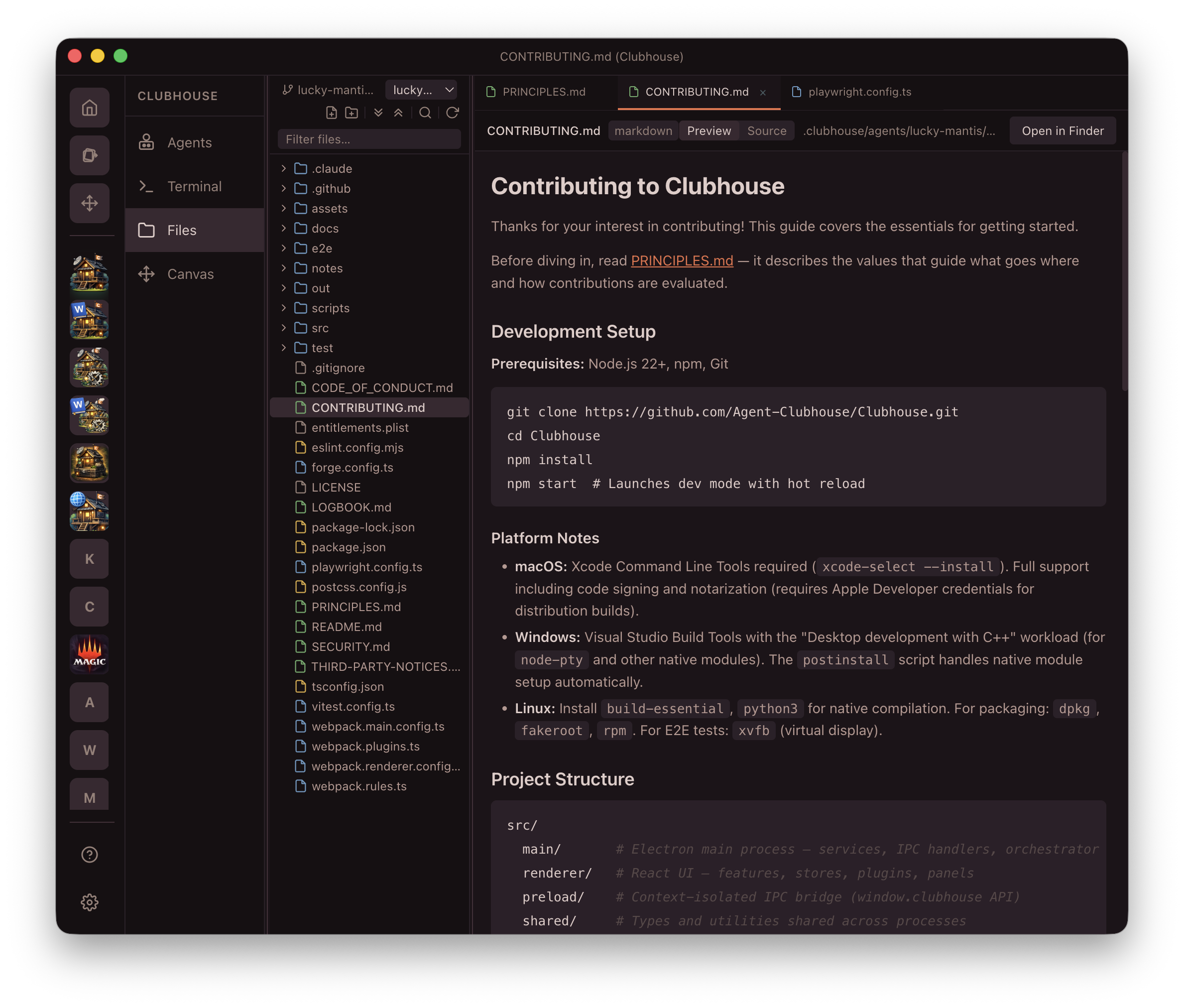
Files

Monaco editor with file tree, markdown/SVG/image preview, and 40+ language syntax highlighting.

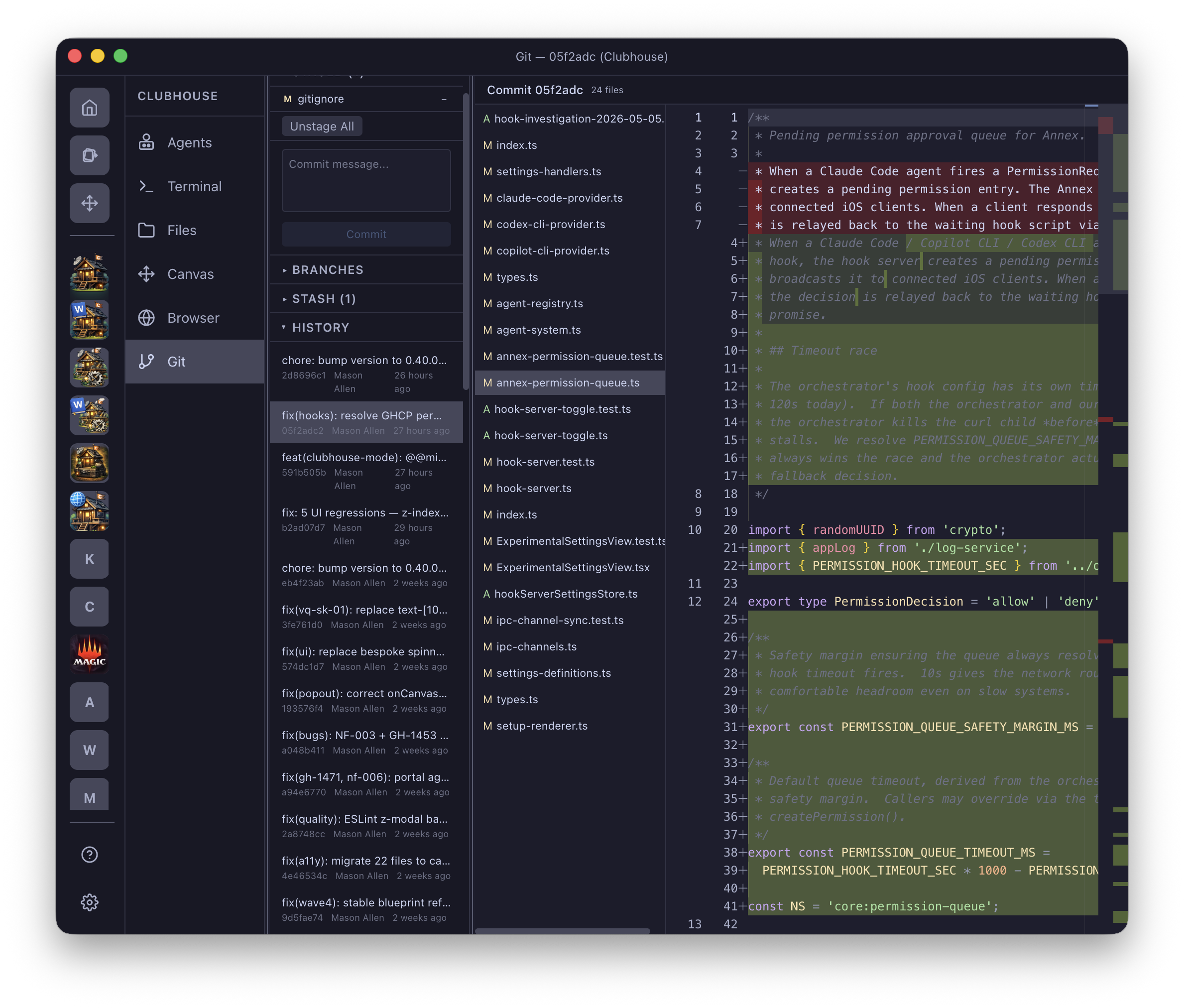
Git

Full version control — staging, commits, branches, history, and file-level diffs in the sidebar.

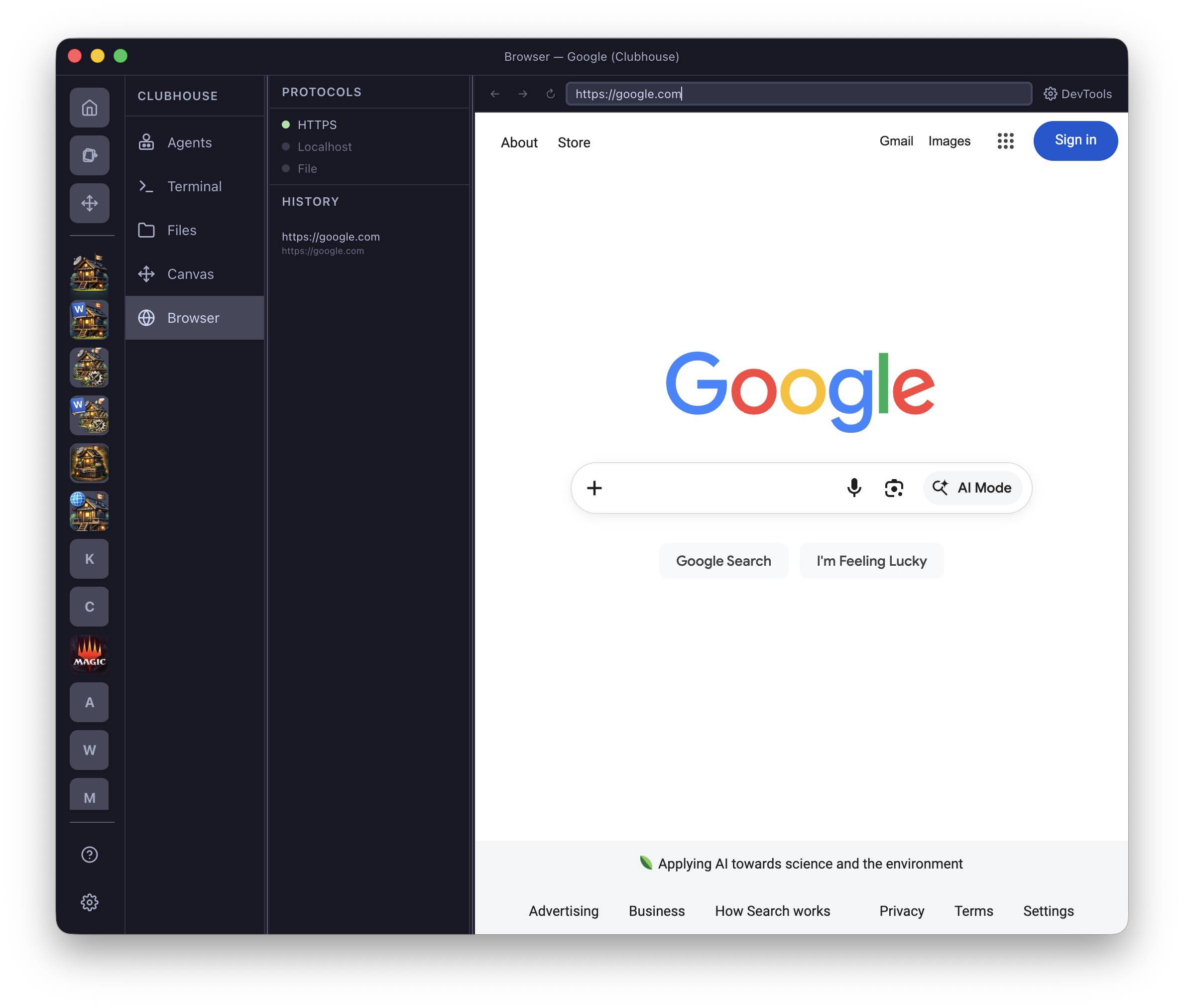
Browser

Sandboxed Chromium webview for testing web apps. DevTools support, agent-drivable via MCP Wires.

IDE favorites

Everything you love about your favorite editor — designed around multi-agent workflows.

Hotkeys

Rebindable keyboard shortcuts for every action. Navigate agents, switch projects, and run commands without touching the mouse.

Command Palette

Global Cmd+K fuzzy search across projects, agents, commands, and plugin actions.

Monaco Editor

The VS Code editing engine with full syntax highlighting, IntelliSense, and multi-cursor support.

Keyboard Navigation

Tab through panels, jump between agents, and manage your workspace entirely from the keyboard.

And more

Power features for deeper workflows.

Popout Windows

Pop out any agent, terminal, or editor into its own resizable window. Arrange your workspace across monitors.

Color Themes

Ship with bundled themes or install community ones. Per-workspace overrides let each project have its own look.

Custom Sounds & Hooks

Audio feedback for agent events — completion chimes, error alerts, or custom sound packs. Hooks trigger actions on events.

Review

Full-screen swipe-through agent carousel. Filter sleeping or needs-attention agents and review them one at a time.

File Diff Viewer

Side-by-side and inline diffs for every agent change. See exactly what was modified before you approve.

Quick Agent Hotkey

One keystroke to spawn an ephemeral agent for a fast task. It runs, delivers, and cleans up after itself.

Orchestrator capabilities

Pick the orchestrator you already use — they all work great with Clubhouse.

Capability Claude Code Copilot CLI Codex CLI
MCP / tool wires Yes Yes Yes
Custom system prompts Yes Yes Yes
Model selection Yes Yes Yes
Headless mode Yes Yes Yes
Hooks Yes Yes Yes
Session resume Yes Limited Yes
Per-tool permissions Granular Yes Sandbox only
Agent files Yes

See it in action

Download Clubhouse and start exploring these features today.